
Event companies in Dubai need WhatsApp support that copes with floods, not averages. The setup that works is a shared team inbox on the WhatsApp Business API, a bot that answers timing, location and "am I confirmed?" from your real guest list, and a clean handover to a named person for everything else.
Ten days before a launch, the event phone is quiet. Forty-eight hours before, it is unanswerable. Guests want the location pin again, the dress code, the parking entrance and proof their registration went through. A couple confirming a wedding package wants to know if the deposit cleared. A sound vendor needs the load-in time. All of it arrives on WhatsApp, often after midnight, and all of it lands on whoever is holding the phone.
WhatsApp support for an event company is a different problem from WhatsApp support for a shop. The volume is not steady. It spikes around dates you already know, and the questions are predictable enough that most of them should never reach a person. This is how we set it up for Dubai event management firms, venues and wedding planners. For WhatsApp support in other kinds of business, see the general guide to WhatsApp customer support automation on godesign.ae.
Why does WhatsApp support break during event week?
Because it was set up for the quiet weeks. Most event teams run WhatsApp from the free Business app on one handset, or WhatsApp Web open on a coordinator's laptop, and that works when twenty people message in a day. It stops working the moment a ticket link goes out, a Meta campaign starts spending, or the RSVP deadline approaches.
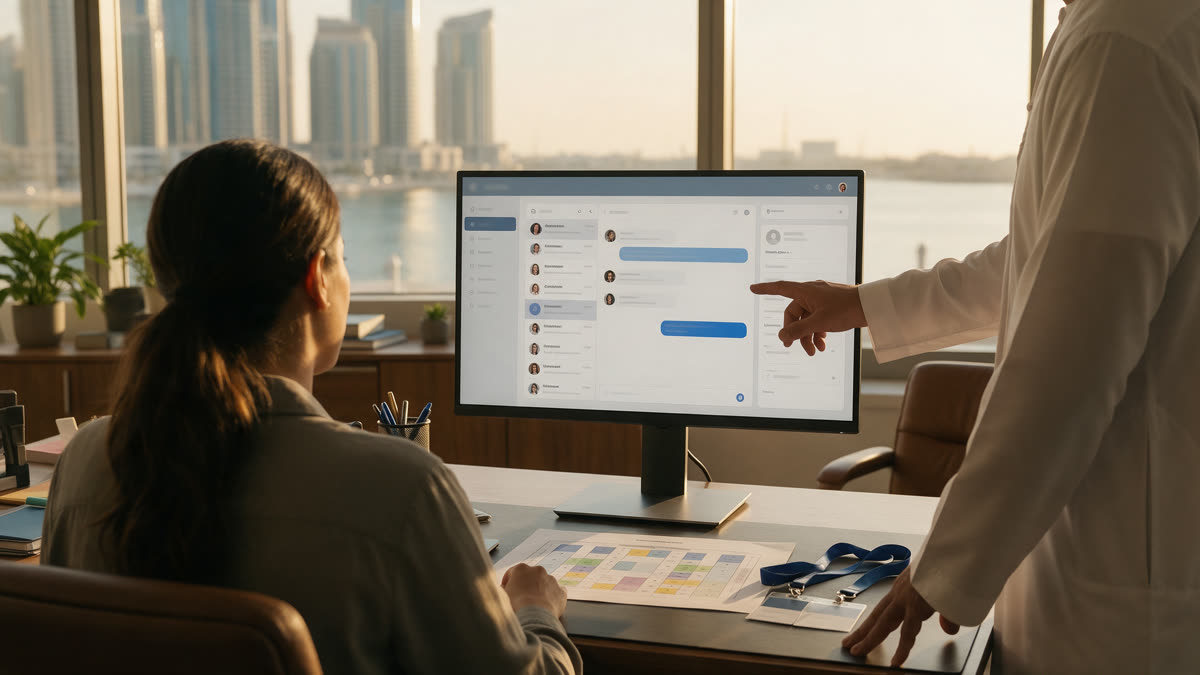
The enquiries we receive from businesses stuck at this point describe the same arrangement almost word for word. They hire someone to sit in the inbox in fixed shifts, give them an FAQ document and a set of reply templates, and ask them to copy every conversation into a Google Sheet afterwards: who it was, what they wanted, whether it needs a follow-up. One expected 50 to 200 conversations a day, seven days a week. Others set targets of a reply within two to five minutes.
For an events business, that model fails in predictable places:
- The spike outruns the shift. Event traffic does not respect a nine-to-six roster. The busiest hour is often the evening the invitation goes out, or the night before the event.
- One number, one phone. The person holding it becomes the bottleneck, and when they are on site setting up the venue, the inbox goes quiet.
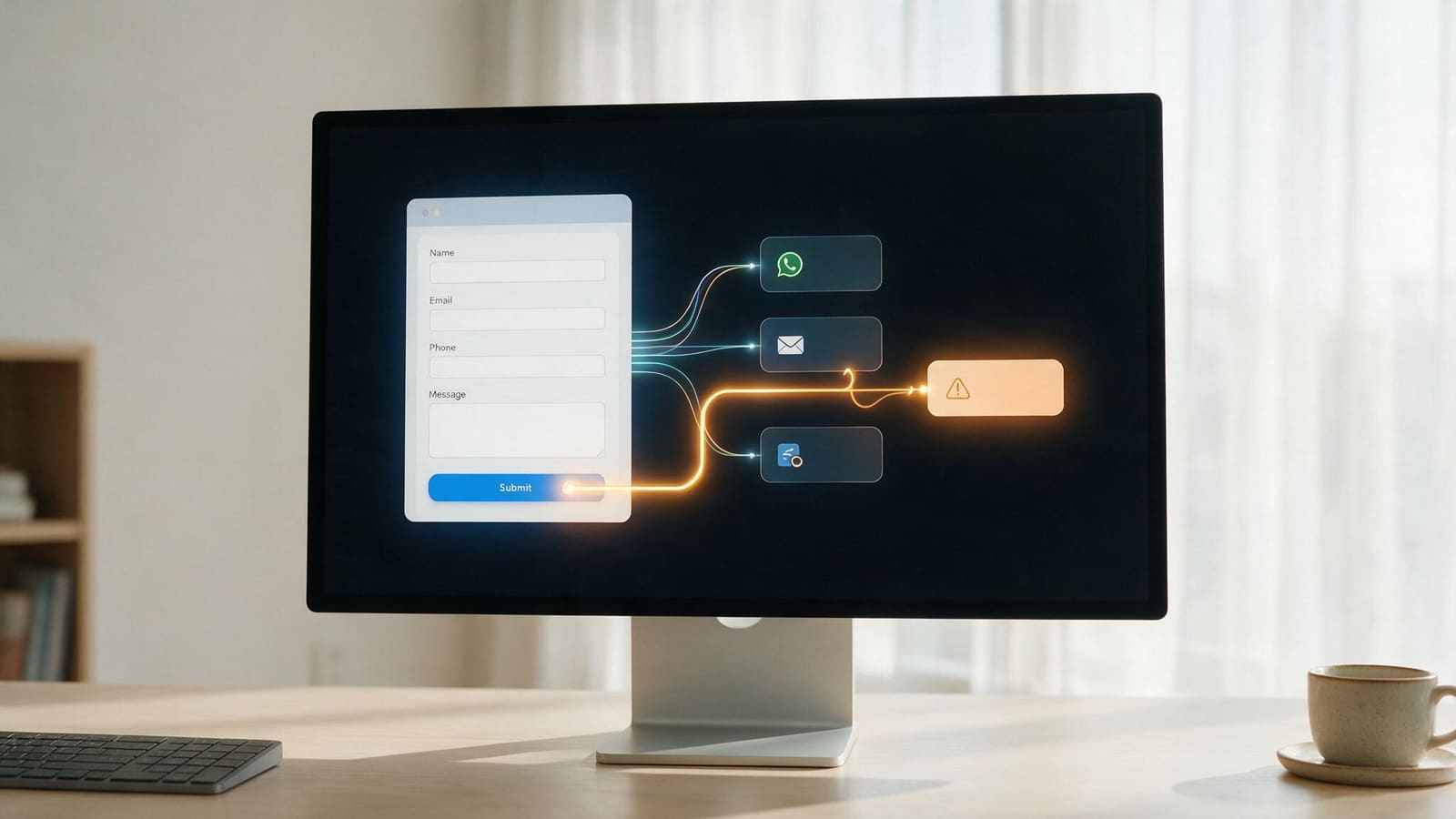
- Nothing is connected. To confirm a registration or a deposit, someone has to leave WhatsApp, search the registration list or the bank notification, and come back. That is where five-minute targets turn into forty.
- The log is manual. If a conversation never makes it into the sheet, the follow-up never happens. The hot lead for next season's wedding gets lost under a hundred "what time do doors open" messages.
- Handover loses context. When a guest's question needs the event manager, it gets forwarded as a screenshot, and the guest explains themselves twice.
Adding a second person to the same phone does not fix any of this. Changing the setup does.
What do event guests actually ask on WhatsApp?
Mostly the same eight or nine things, which is the point. When we map an event company's WhatsApp history, the bulk of it falls into a short list, and each type has an obvious owner.
| Message type | What the answer needs | Who should answer |
|---|---|---|
| Location, parking, entrance, dress code | The event details | Bot, instantly |
| Timings, agenda, doors open | The event details | Bot, instantly |
| "Is my registration confirmed?" | A lookup against the registration list | Bot, reading your system |
| Ticket or RSVP changes, plus-ones | Your rules, then an update to the list | Bot for simple cases, person for exceptions |
| "Has my deposit or payment gone through?" | A lookup against bookings or the CRM | Bot confirms, person if it has not landed |
| Package and pricing questions | Your current packages | Bot shares them, person takes the sales conversation |
| Vendor and supplier queries | Load-in times, contacts, access | Routed straight to the operations lead |
| VIP requests, complaints, refunds | Judgement | A named person, always |
The top half of that table is where your team's evenings go, and none of it needs judgement. The bottom half is where a good coordinator earns their salary, and it is exactly what gets buried when the inbox floods.
What does a proper WhatsApp support setup include?
Six parts, built on the official WhatsApp Business API rather than the free app. Each one replaces something your team is currently doing by hand.
1. The WhatsApp Business API on your existing number. Meta business verification, the API connected to your number and a provider account in your company's name. Everything else depends on it. If you want to know what Meta and the platform charge each month, we have broken it down in what WhatsApp costs to run on a Dubai website.
2. A shared team inbox. Every coordinator works the same number from their own login. Conversations can be picked up, assigned, transferred and closed, so two people never answer the same guest and nobody's personal phone holds the company's conversations.
3. A first-line bot trained on your event, not a generic script. It answers timings, location, parking and dress code in English and Arabic, shares the location pin, the agenda and the package brochure, and does it at 2am as readily as at 2pm. Guests who have been burned by unhelpful bots can type "agent" at any point and reach a person.
4. Live lookups from your registration list or CRM. This is the step most setups skip and the one that saves the most time. When a guest asks if they are registered, the bot checks the actual list. When a couple asks about their deposit, it reads the booking record. That means connecting WhatsApp to wherever your data lives, whether that is an event platform, a Zoho or HubSpot CRM, or a custom booking system, which is the kind of work our API integration team does every week.
5. Human handover with the full conversation. Anything off-script, such as a VIP table, a complaint or a refund, goes to the right person with the history, the guest's booking and what the bot has already said. Vendor messages can route straight to operations.
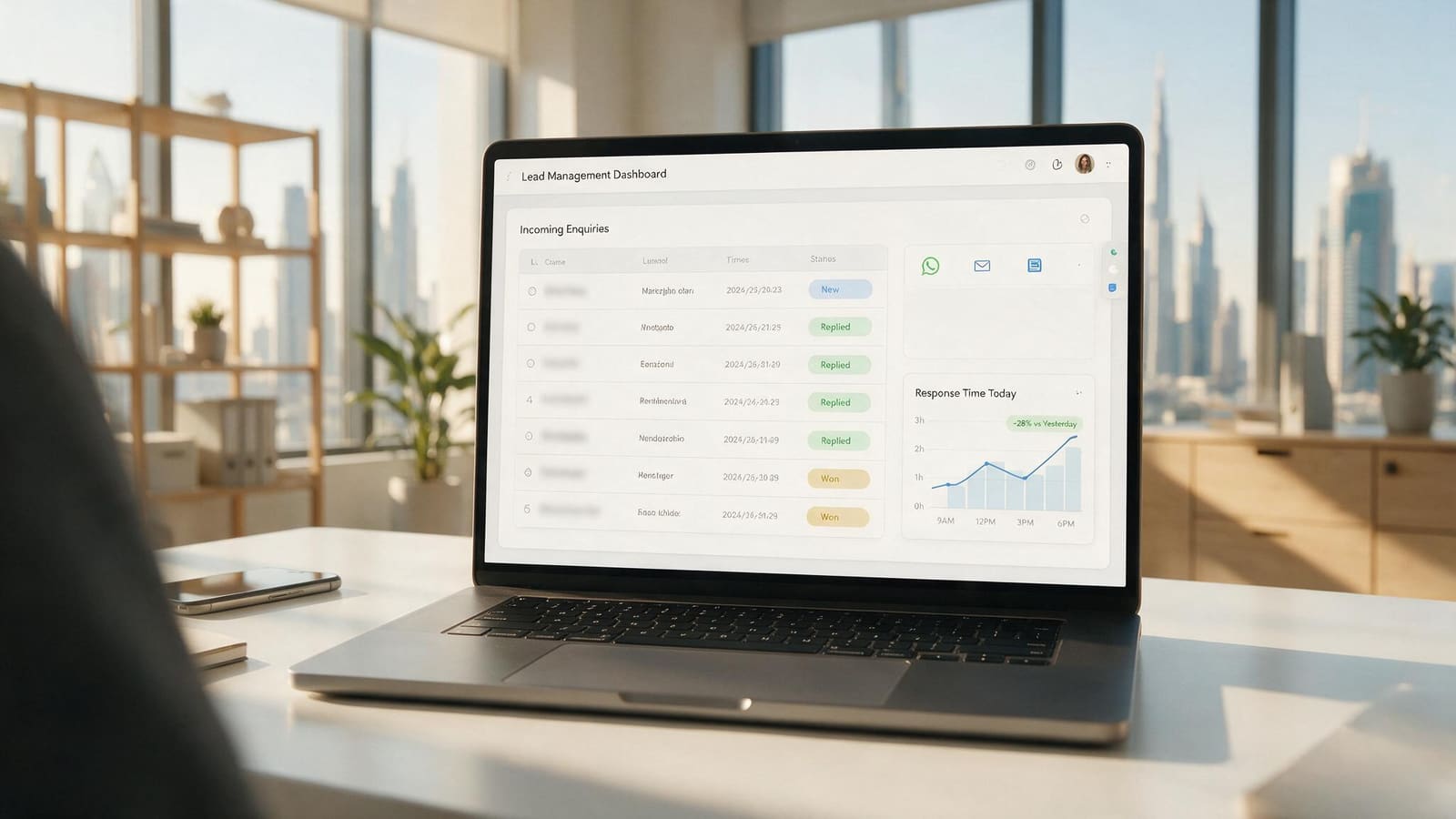
6. Automatic logging and a daily summary. Every conversation is recorded against the guest or lead with its reason and outcome. No one copies anything into a spreadsheet. You get a view of what was resolved, what is pending, what was escalated and which enquiries were sales leads for future events.
Planning a launch or a wedding season? Tell us your next event date and how guests reach you today, and we will map the WhatsApp support flow and send you a custom quote. Book a call or message us on WhatsApp.
How do launch spikes and after-hours messages get handled?
By answering the predictable questions before they arrive and letting the bot carry the night. Event traffic is unusual because you know when the spike is coming, so the setup is planned around your calendar rather than around an average day.
Before the date. Confirmation and reminder messages go out as approved WhatsApp templates: registration confirmed, the location pin, timings, what to bring. Every question those messages answer is one that never reaches the inbox. They are classed as utility messages by Meta, which are the cheaper category.
During the spike. When a ticket link or a campaign goes live, the bot absorbs the first wave. Your team sees only the conversations it could not resolve, already sorted by type.
After hours. Guests who message at midnight get an immediate answer to anything the bot knows. Anything it does not know is queued with a clear message about when a person will reply, and it is the first thing your team sees in the morning.
On the day. Late arrivals, lost guests and "which gate?" messages get answered while your coordinators are on the floor, not on their phones.
Because a guest who messages you opens a 24 hour service window, your replies inside it carry no Meta message charge. For an event company whose traffic is mostly guests asking questions, that keeps the running cost low.
What does this look like on real event and wedding projects?
Two of our clients run exactly this kind of business, and both put WhatsApp at the centre of how guests and couples reach them.
T72 is a UAE events management company. We implemented WhatsApp API automation and a chatbot for them, and built the launch microsite for their "JINo Debut" event, with a countdown timer and WhatsApp as the primary channel for leads and enquiries. Their live site still runs event pages on the same pattern today: a countdown to the date and a WhatsApp button as the first way to get in touch. For an event business, that choice is deliberate. The guest who is curious enough to tap is the guest you want in a conversation, not on a form.
Easy Wedding is the flagship site of a wedding-planning network operating in more than one country. Alongside the web build and SEO, we implemented Zoho CRM, ran campaign management and set up WhatsApp API chatbot automation, so couples' enquiries land as CRM records rather than as messages on someone's phone. Traffic across the network grew 3x and it now carries more than 2 million impressions a month. The web side of that project is written up in our Easy Wedding case study.
The common thread is the one that matters for event companies: the WhatsApp conversation and the record of the guest or couple are the same thing. That is what lets a bot answer "am I confirmed?" and what lets your team see every lead after the event is over. More projects are on our work page.
Do you still need a WhatsApp support team?
Yes, but a smaller one doing better work. The aim is not to remove people from WhatsApp customer support. It is to stop paying them to retype the venue address four hundred times.
Once the bot and the lookups take the repetitive load, your coordinators handle what only they can: a couple changing their guest count the week before, a sponsor asking for extra passes, a vendor running late, a guest who had a bad experience and needs a real apology. Those conversations arrive with context, and they get answered quickly because the inbox is no longer full of questions a system could have answered.
If you were planning to outsource WhatsApp customer service to an agency of shift workers, compare that with fixing the system first. Outsourced agents working off a script and a spreadsheet inherit every limit of the manual setup. A connected inbox works for your in-house team, an outsourced team, or both, and it keeps the conversations and the data in your company's name.
"great communication very clear good job done and even after finishing the project they still give support"
Abdulkarim, United Arab Emirates, via Freelancer, 5 stars
Frequently asked questions
Can it handle Instagram DMs as well as WhatsApp?
Yes. Most event companies in Dubai get enquiries on both, especially when Meta ads are running. The shared inbox can bring WhatsApp and Instagram messages into one place, so your team works one queue instead of two apps.
Will the bot sound generic to our guests?
Not if it is built properly. It answers from your event details, your packages and your tone guide, in English and Arabic, and it reads the guest's actual registration or booking rather than giving a stock reply. When a question needs a person, it says so and hands over.
Does it connect to our registration platform or CRM?
That is the part we focus on. We connect WhatsApp to the system that holds your guest list, bookings or leads, whether that is an off-the-shelf event platform, Zoho, HubSpot or something custom, so confirmations and deposit checks are answered from live data.
Can we cover nights and weekends without hiring more staff?
For the questions that repeat, yes. The bot answers them around the clock, and anything it cannot resolve is queued for your team with the full conversation. You decide which message types should wake someone up and which can wait until morning.
Do we keep our existing WhatsApp number?
Usually, yes. An existing number can be moved to the WhatsApp Business API. We check your setup first and plan the move so guests keep messaging the number they already have.
Get WhatsApp support ready before your next event
The best time to set this up is before the next flood, not during it. The web side, meaning the event microsite, the registration form and the connection to your CRM, is what we build here; see our custom web development page for booking and registration systems, and why your website might not be producing enquiries if the site is part of the problem. Send us your next event date, how many guests or enquiries you expect, and where your registration list or CRM lives. We will map the flow, tell you what the bot can take off your team and give you one fixed, custom quote in AED.
Request a quote or message us on WhatsApp.
"They also have been very attentive to the needs of the business and are always available when I need them."
Bilal N., via Google, 5 stars
If your events lean heavily on ticketing, RSVP broadcasts and table reservations, the team at godesign.ae has written a companion guide to WhatsApp automation for events in the UAE, and runs the wider WhatsApp Business API service for the cluster.